
Every host has had that sinking feeling: you open your calendar and the next few weeks are empty. The instinct is to slash the price and hope. Before you do, it's worth spending half an hour working out why it's quiet, because the fix depends on the cause.
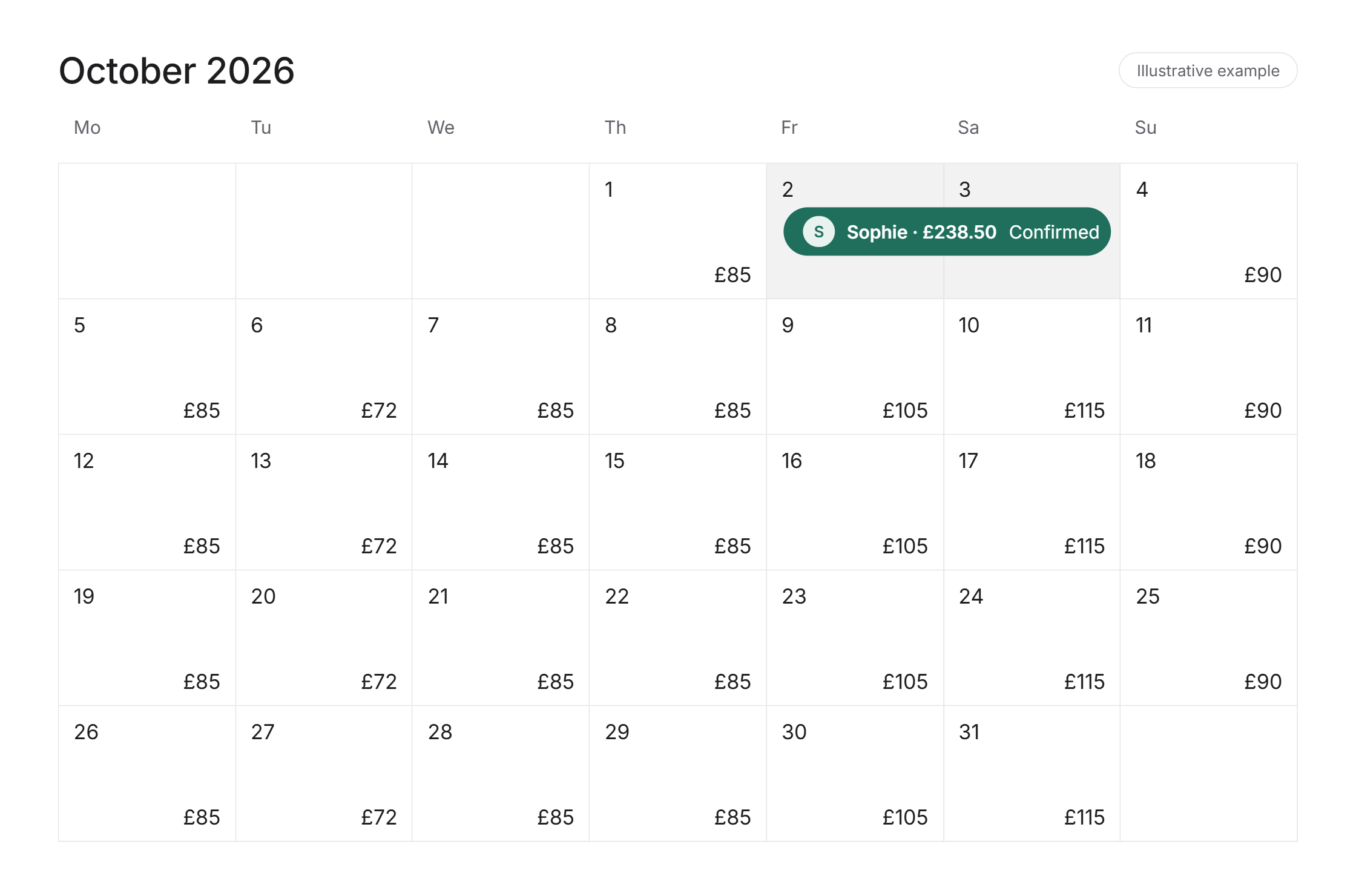
First: is it you, or the market?
Search Airbnb for your own dates as if you were a guest, and look at similar properties nearby. If they're mostly empty too, it's probably a seasonal dip, and mid-November is often quieter in many areas. If they're getting booked and you're not, the problem is your listing, and that's the good news, because you can fix it.
The eight things we check
1. Price against the local market. Compare like with like: same size, same area, same dates. Don't just look at the cheapest. Work out where you sit and whether your price reflects what you offer.
2. Minimum stay. A three-night minimum on a Tuesday in November turns away contractors, business guests and one-night stays. Shorter minimums in quiet periods, and letting guests book the odd gap night between stays, can fill nights that would otherwise sit empty.
3. How far ahead you're open. If your calendar only opens a couple of months ahead, guests planning further out can't book you. Check your advance notice too. If you need a full day's notice, you're missing last-minute bookings.
4. Instant Book. Many guests filter for listings they can book straight away. If yours needs a request, you may not be showing up for them at all.
5. First photo and title. Guests scroll quickly, and the first photo is often the only one they see. Make it your best room in good light. Use the title for what guests are searching for, such as parking, sleeps six or near the hospital.
6. Recent reviews. A recent lukewarm review near the top can put people off. Reply to it calmly and say what you've changed. The next few good stays will push it down.
7. Settings and sync. It's surprisingly common to find dates blocked by mistake, an old maintenance block that was never removed, or a calendar sync that has stopped working. Check your calendar on every platform you use.
8. Only being on one platform. Booking.com reaches different guests, especially business travellers, and direct bookings save on fees. More platforms means more to manage, so you'll need everything kept in sync to avoid double bookings.
What not to do
Cutting your price across the whole calendar is tempting, but it can fill your quietest nights with the wrong guests and leave money on the table on the nights that would have booked anyway. Target the gaps instead: last-minute discounts on the next week or two, weekly discounts for longer stays, and gap nights priced to fill.
Airbnb's new pricing tools can help point out where demand is, but they only cover Airbnb, so check your other platforms too.
A quick checklist
Check whether similar listings nearby are booked for the same dates
Compare your price with like-for-like listings
Shorten your minimum stay for quiet periods
Open your calendar further ahead and reduce your advance notice
Turn on Instant Book
Refresh your first photo and title
Reply to any recent lukewarm reviews
Check for blocked dates and broken calendar syncs on every platform
Rather someone else kept the calendar full?
For the hosts we manage, we watch pricing, availability and listings every day across every platform, so quiet spells get spotted early. If you'd like a second opinion on yours, we'll start with a free valuation.
Follow @ajmletting on Instagram for more hosting tips.